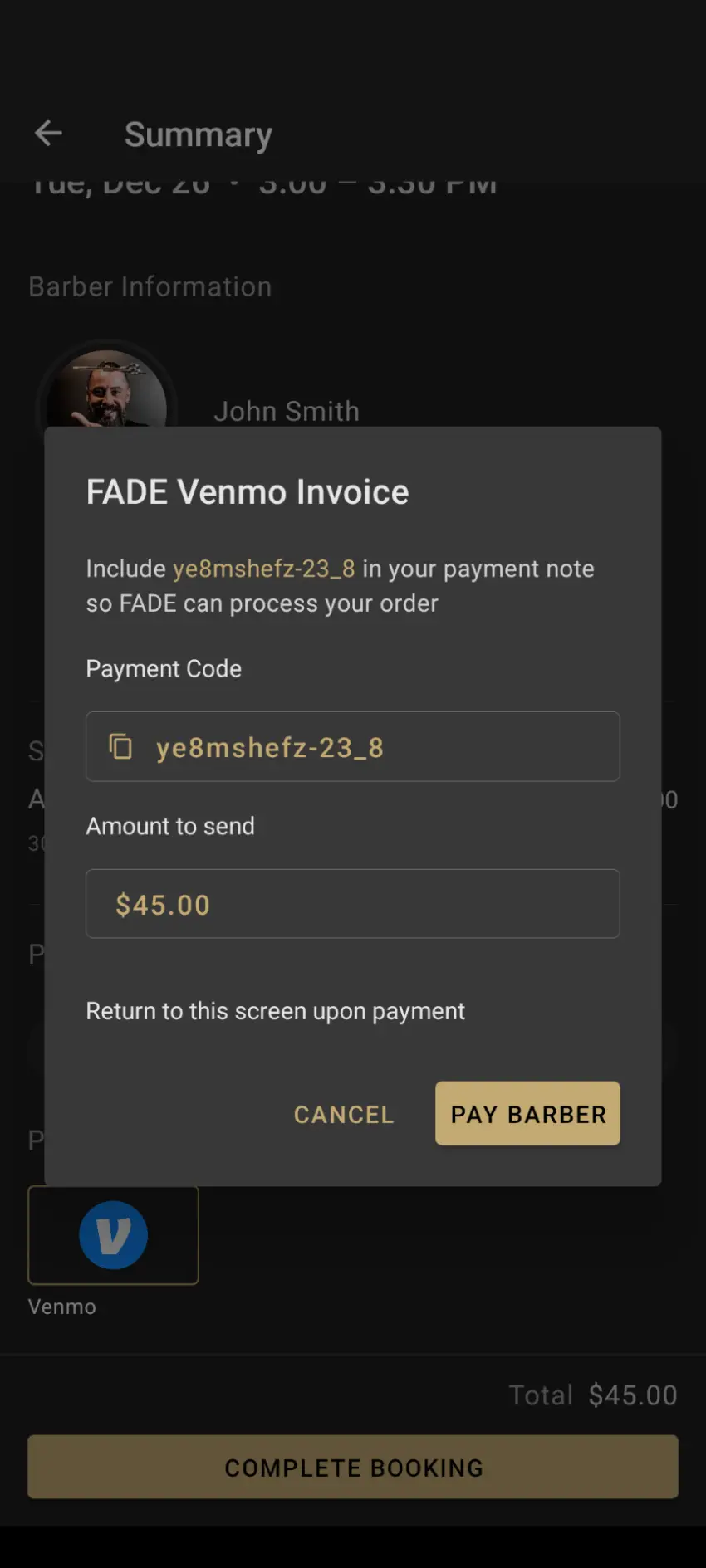
Venmo Payment Processing Integration
Venmo is a mobile payment service developed by Paypal Inc, allowing users to transfer money to one another using a mobile phone app.
How do I Link my Venmo to FADE?
FADE charges zero fee and makes it easy for you to accept Venmo
payments. In order to start accepting Venmo payments, FADE needs
email notifications from Venmo.
First copy your email from your Venmo profile.
1. Venmo -> Settings -> Account -> Profile

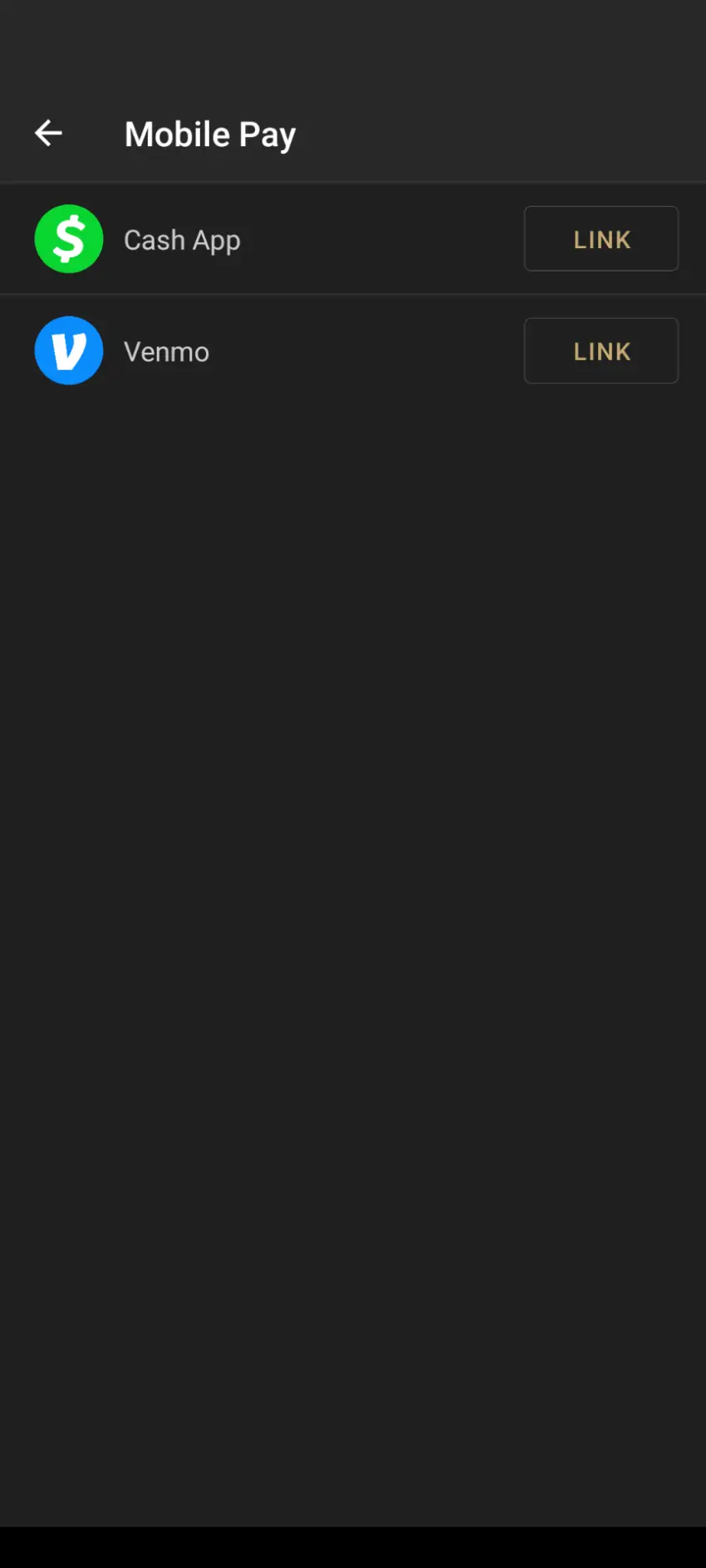
2. Link Your Venmo with FADE at FADE App -> Settings -> Mobile Pay
-> Venmo. Then press the Link button.
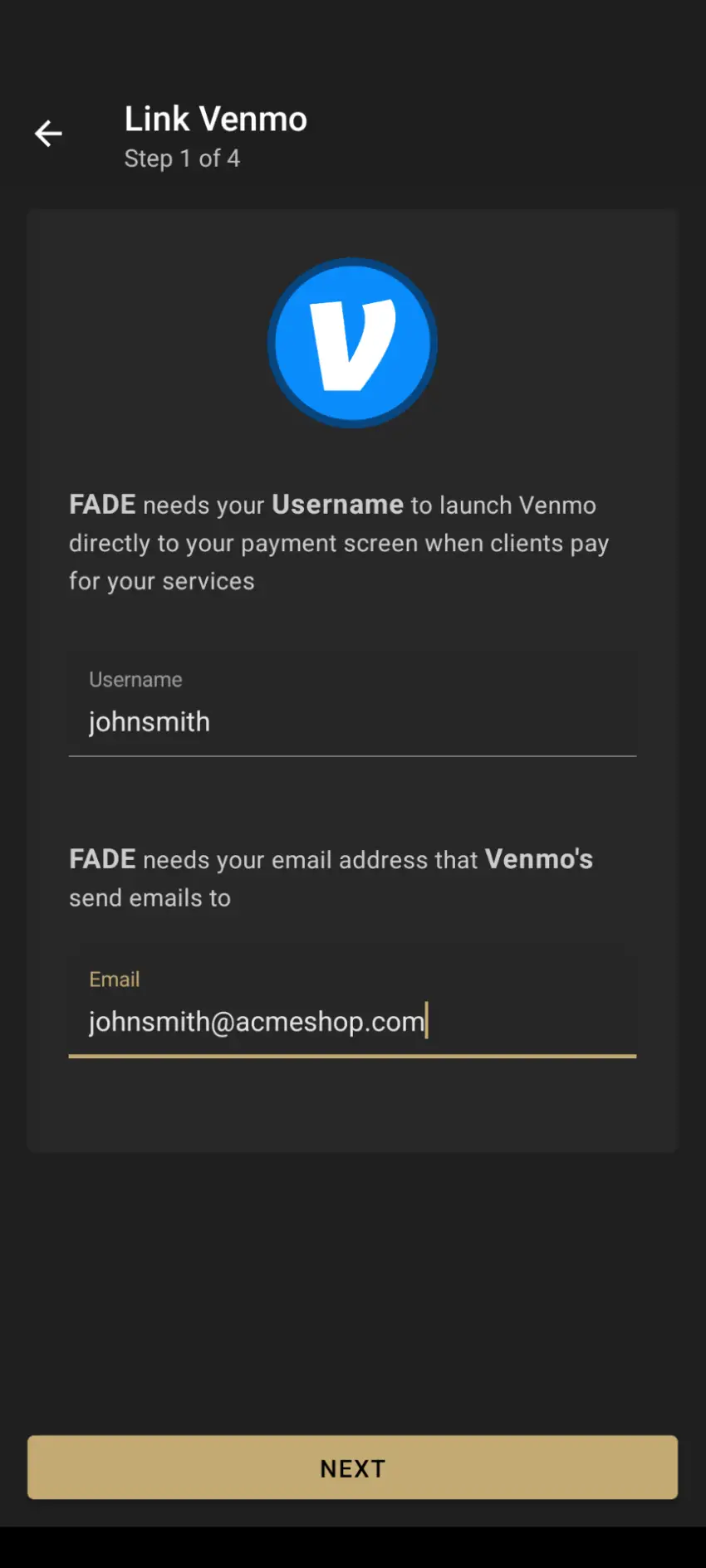
3. On the Link Venmo page, fill out the username you use on
Venmo along with your Venmo email and press NEXT.
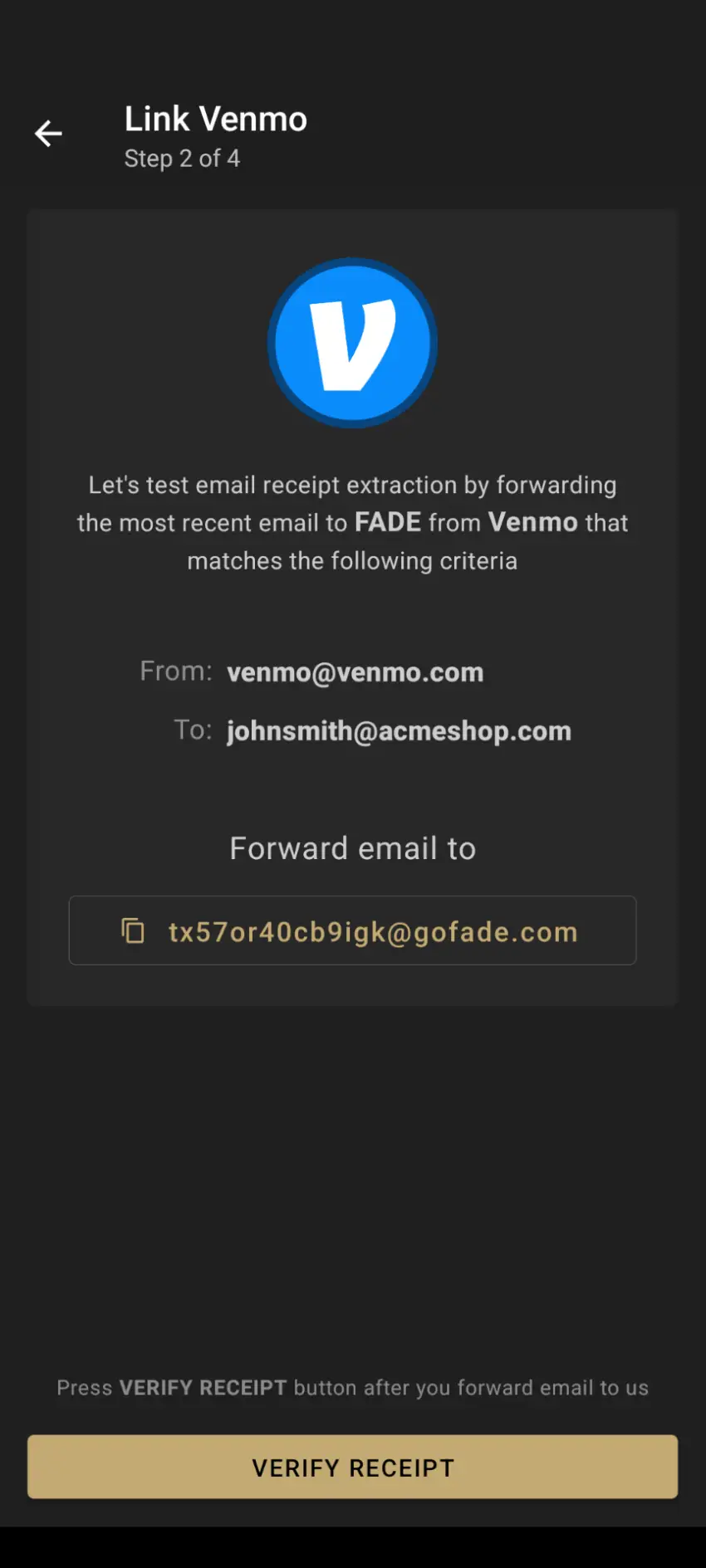
4. Copy the forward email address highlighted in gold. Go to your
email client and forward an email that was sent from venmo@venmo.com
to the address you copied. Verify email was parsed successfully
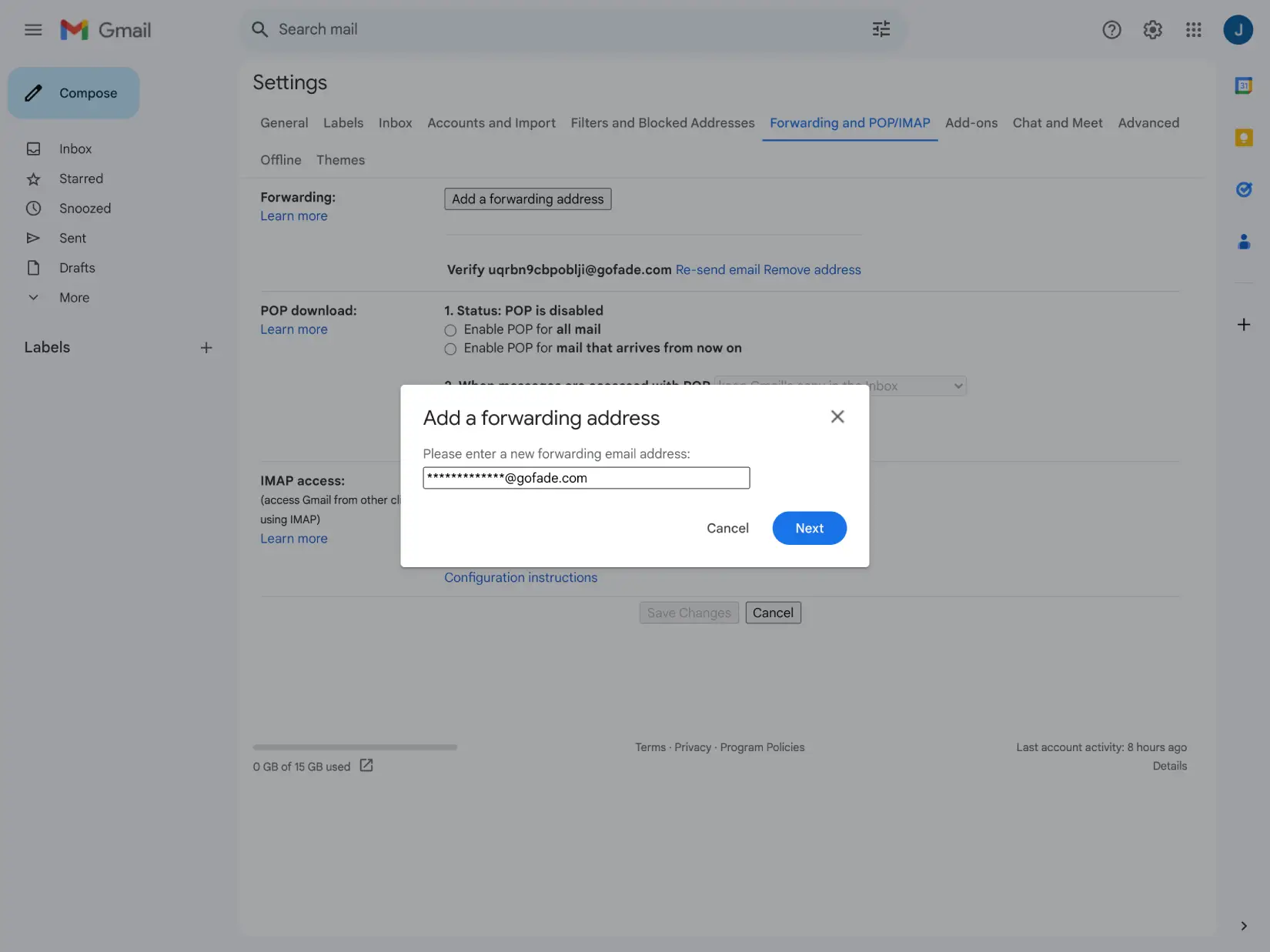
5. Now, set up email forwarding from Venmo. If you are using Gmail,
go to Gmail on your desktop and then Settings -> See all settings ->
Forwarding and POP/IMAP. Click the button "Add a forwarding address"
and add email copied from previous step as forwarding address
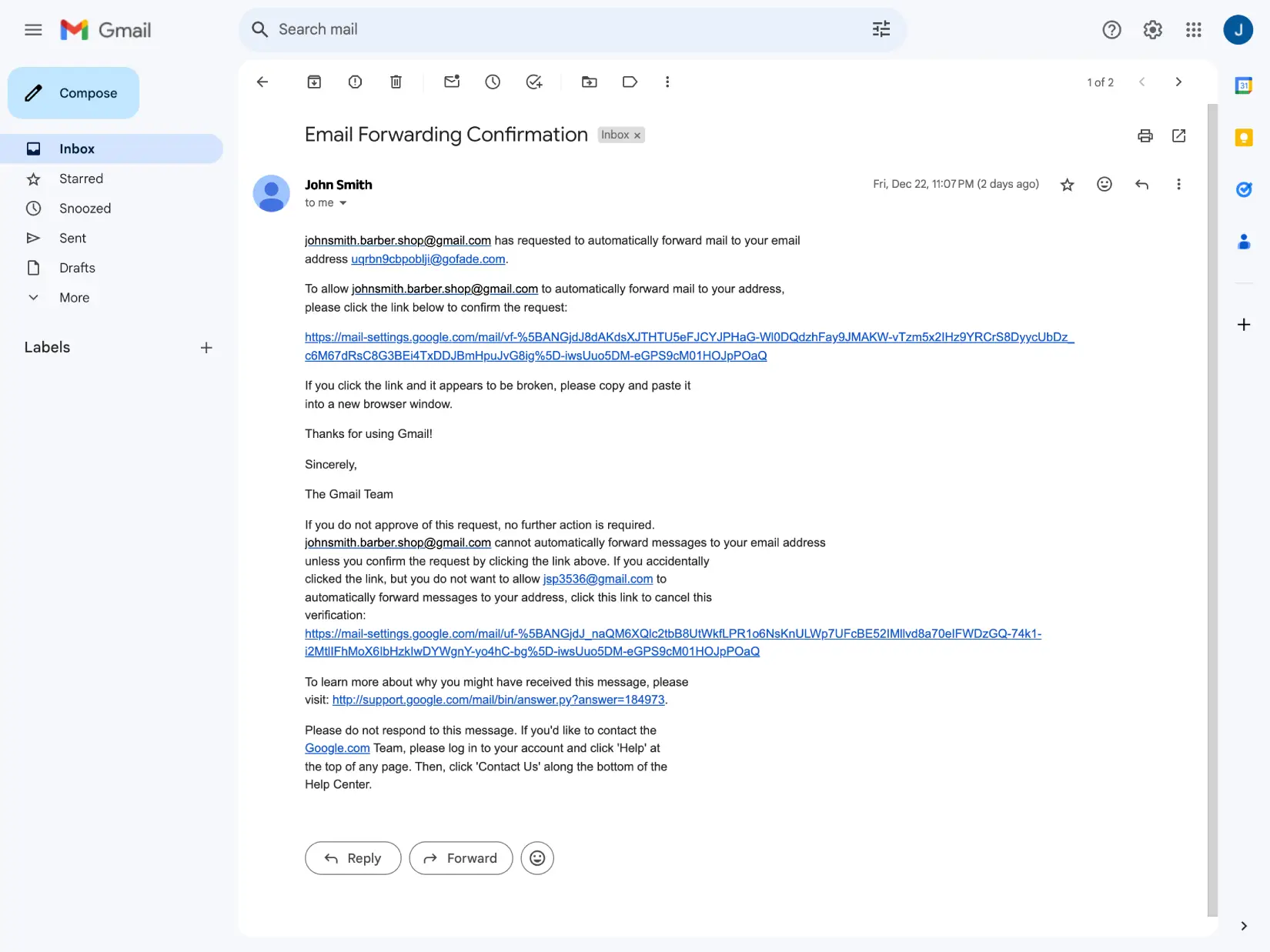
6. Look in your email from FADE with the subject "Email Forwarding
Confirmation". Click the Gmail confirmation link to link your Venmo
email address to FADE.
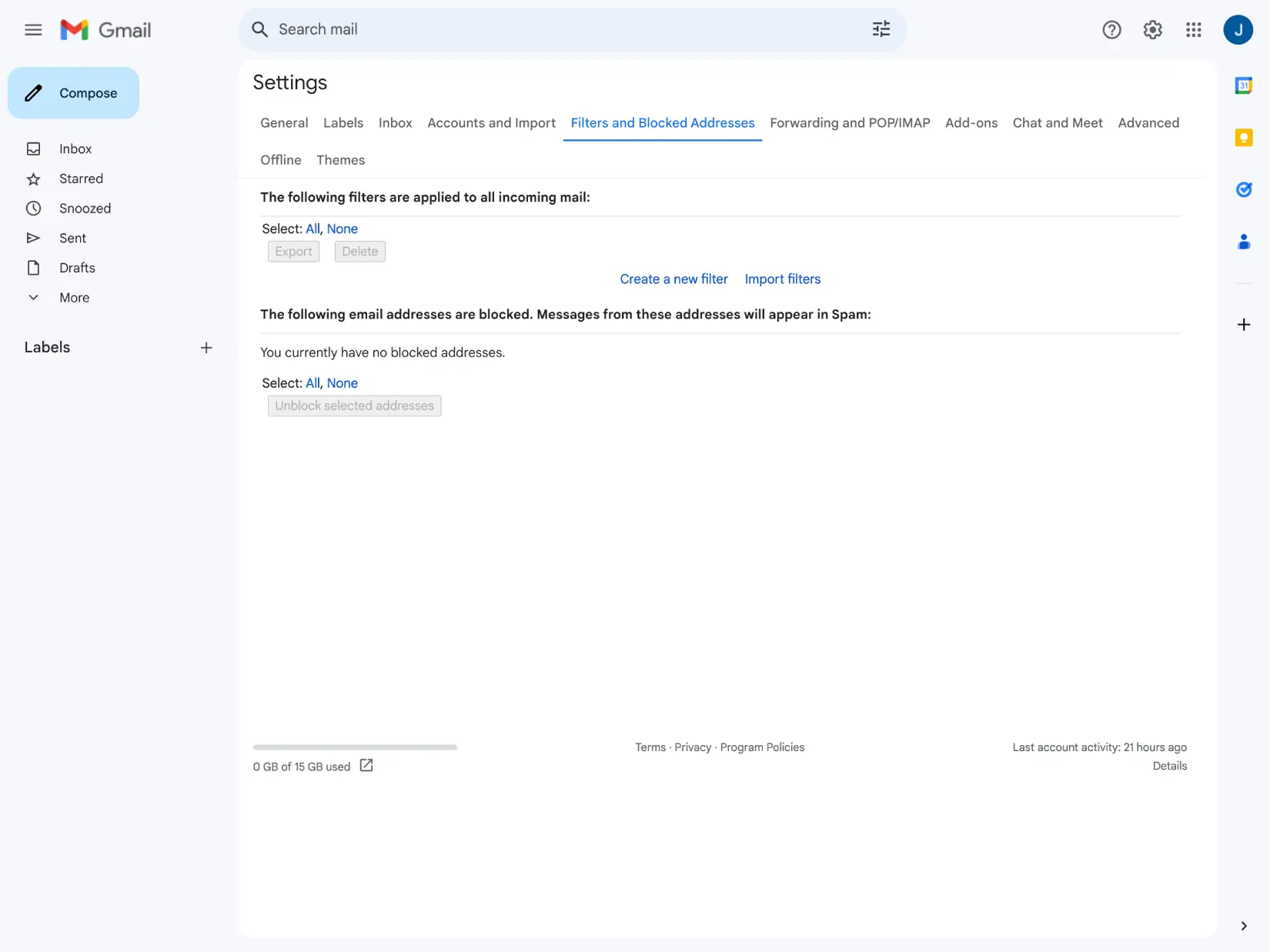
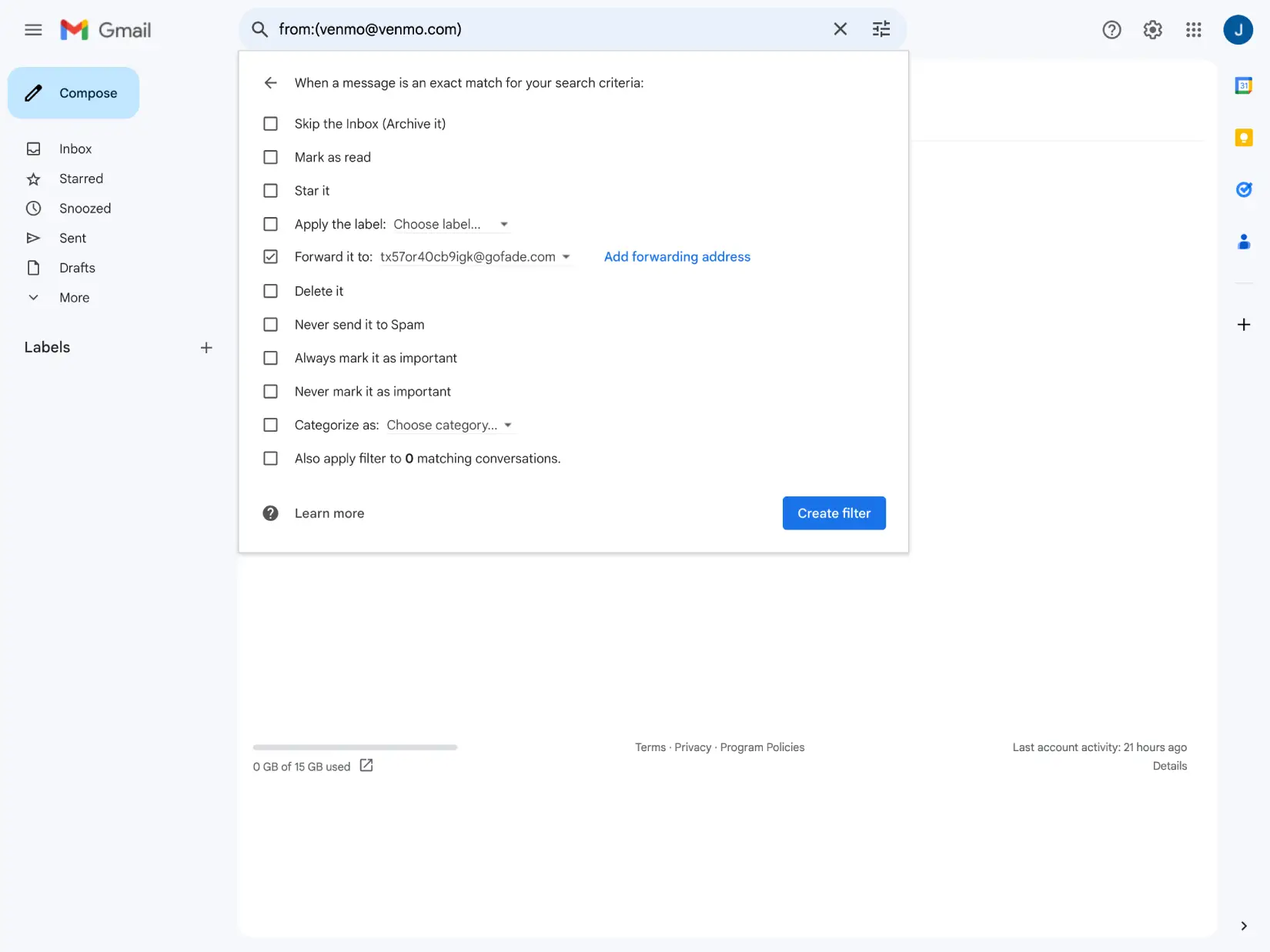
7. Next, create a filter to only pass on payment information from
Venmo. Settings -> All Settings -> Filters and Blocked Addresses ->
"Create a new filter" link
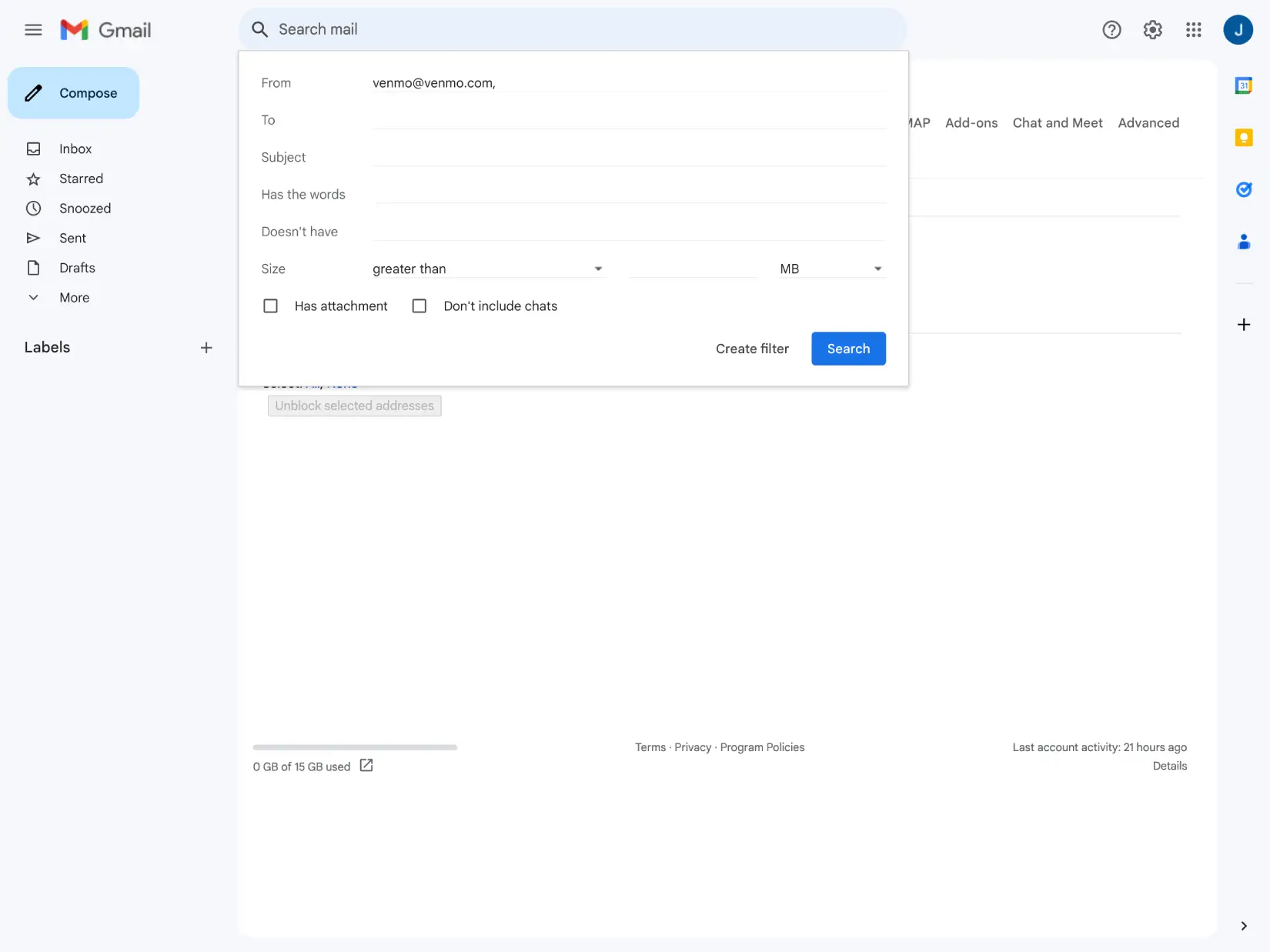
8. Enter venmo@venmo.com in the filter from field and press the grey
"Create Filter"
9. Click the Forward To button and select
***************@gofade.com. Then press the blue create filter
button.
FADE will automatically process Venmo payments for you for zero fees.